
Set Up Your Broker Account
To begin, go to https://www.pandaguarantee.com/signup to create your Broker account.
1 min readUpdated October 19, 2026
Create an Account
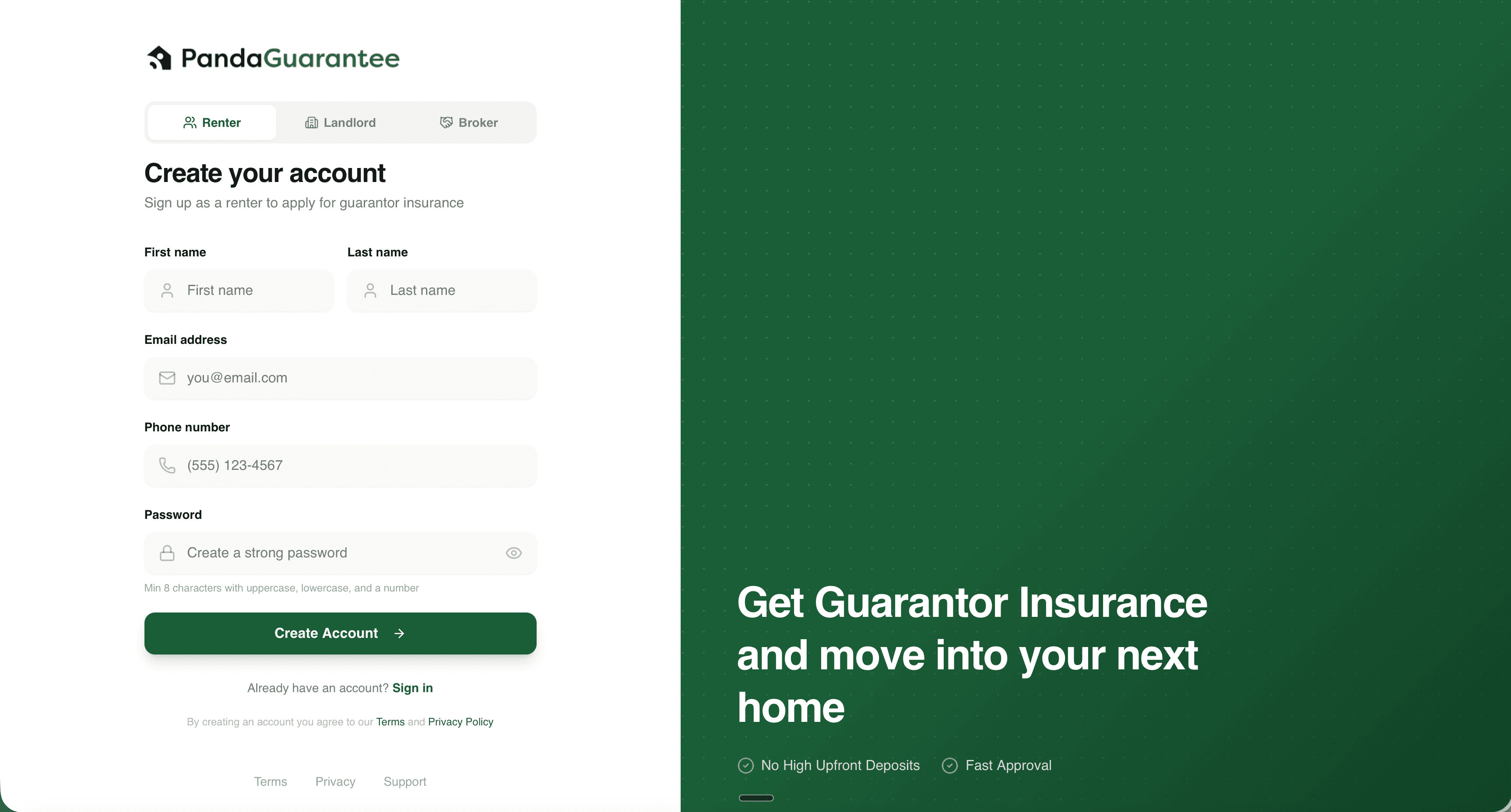
To begin, go to https://www.pandaguarantee.com/signup to create your Broker account.
- 1Select your Account Type at the top "Broker"
- 2Enter your first and last name
- 3Enter your email address and phone number
- 4Finally, choose a secure password for your account
Note
We recommend enabling Two-Factor Authentication once you have created your account for security purposes.
Didn't find what you needed?
Ask our team