
How to invite a tenant
Open the Invite Tenants section from your landlord dashboard.
1 min readUpdated July 31, 2026
On this page
1. Go to "Invite Tenants"
Open the Invite Tenants section from your landlord dashboard.
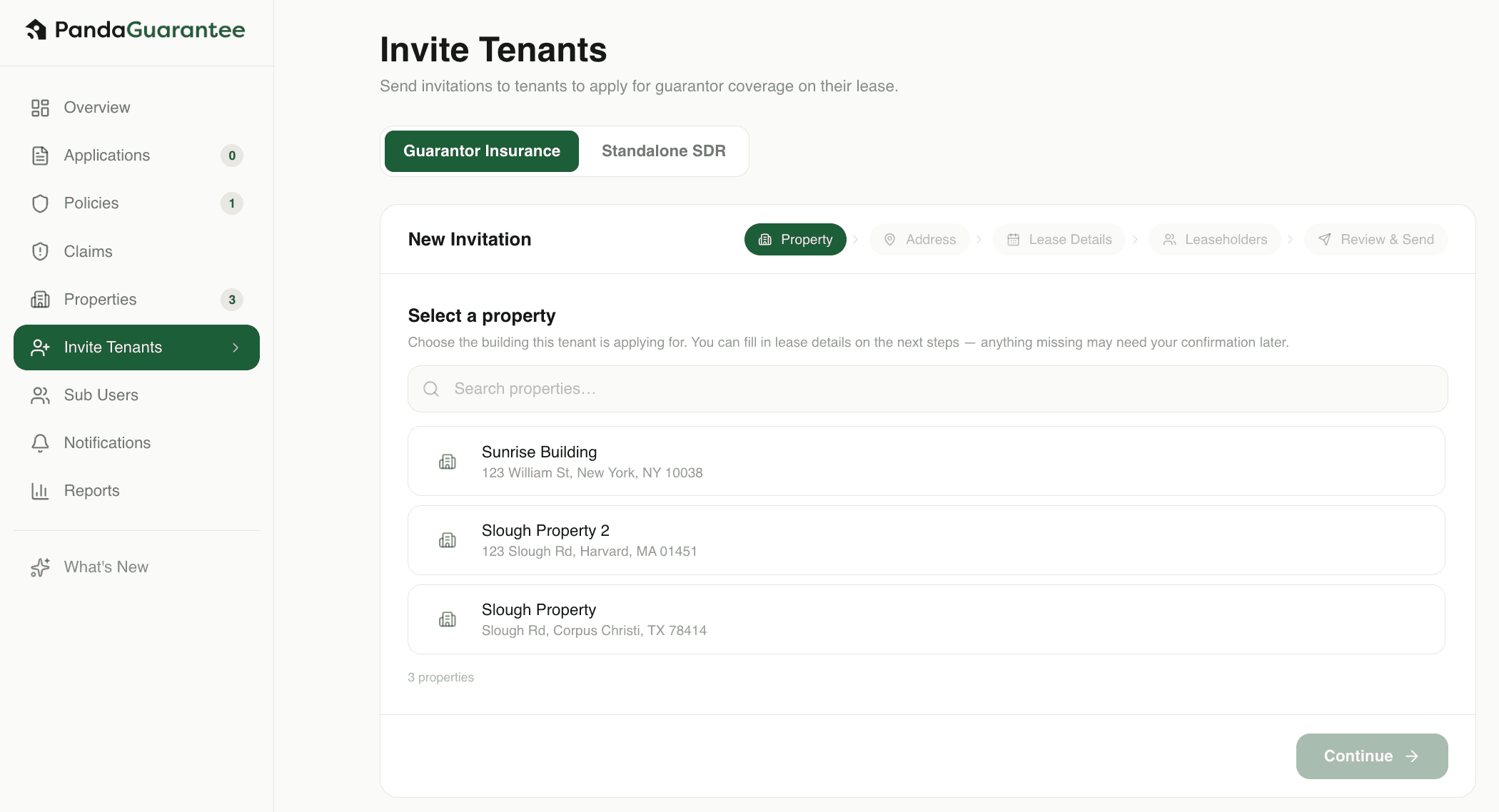
2. Select the property
Choose the property where the tenant will be renting.
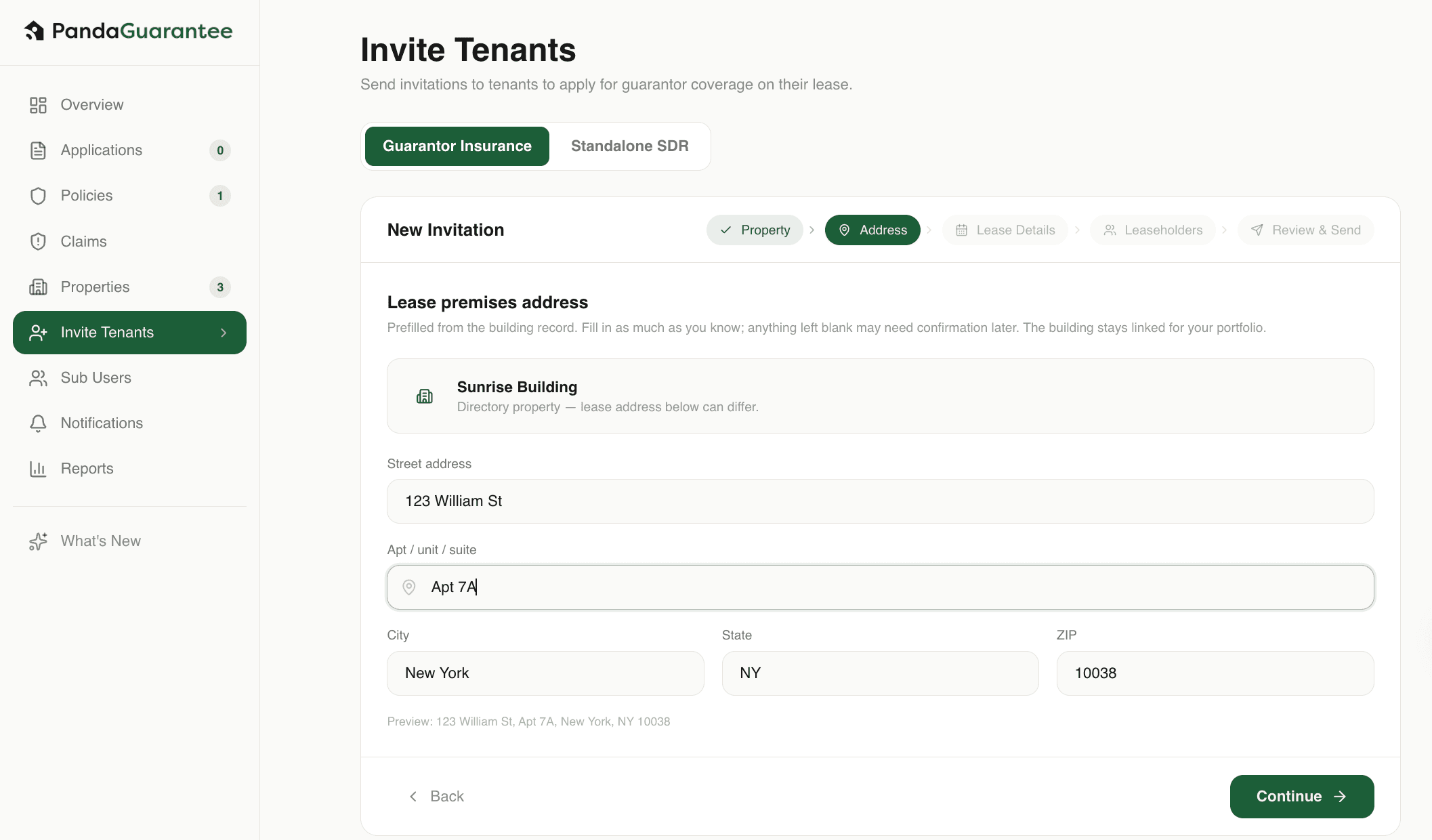
3. Fill in Apt/Unit Number
Enter the apartment or unit number for the tenant’s lease.
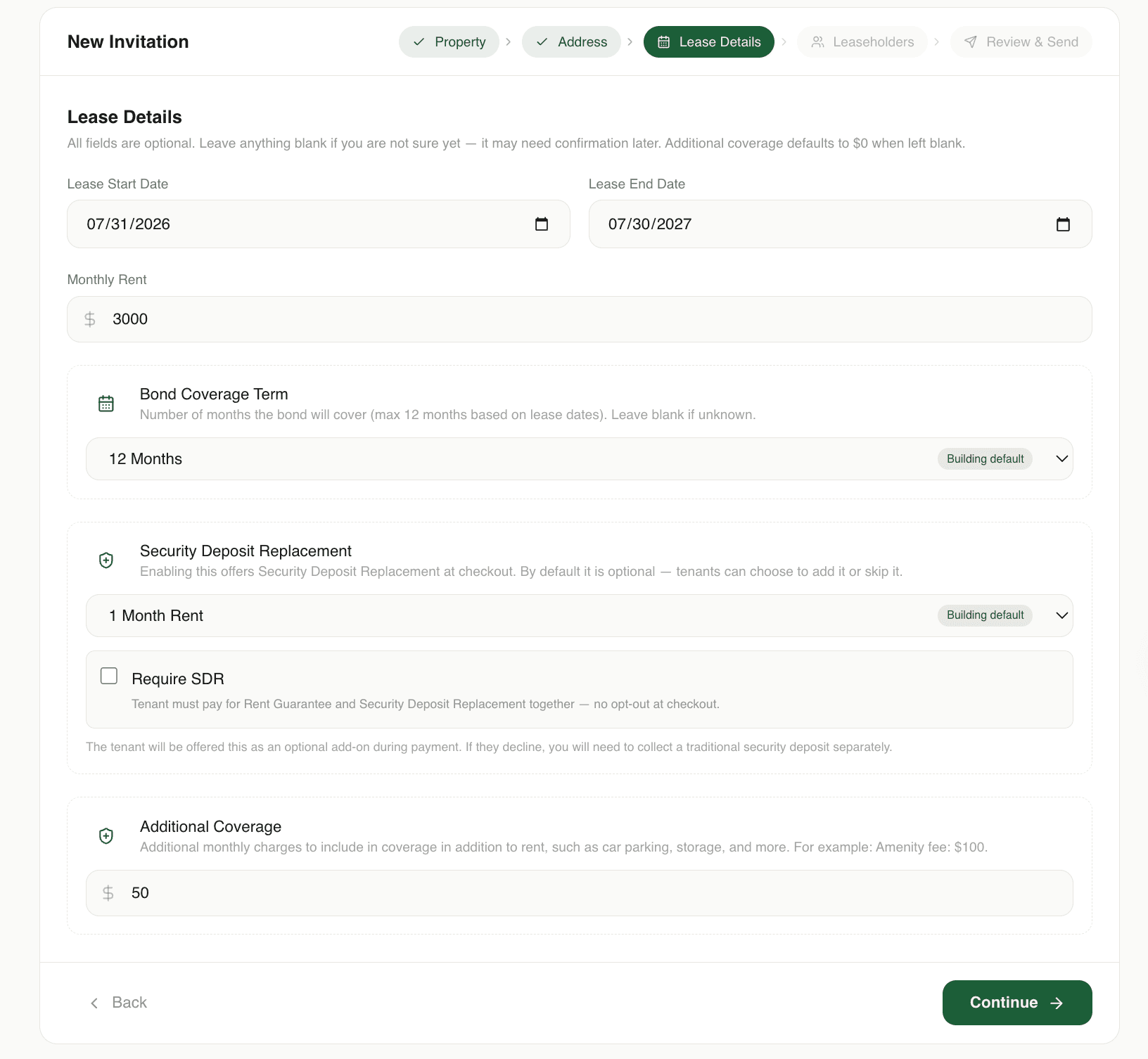
4. Fill in the lease details
Enter the lease information. These details will be pre-filled in the tenant’s application.
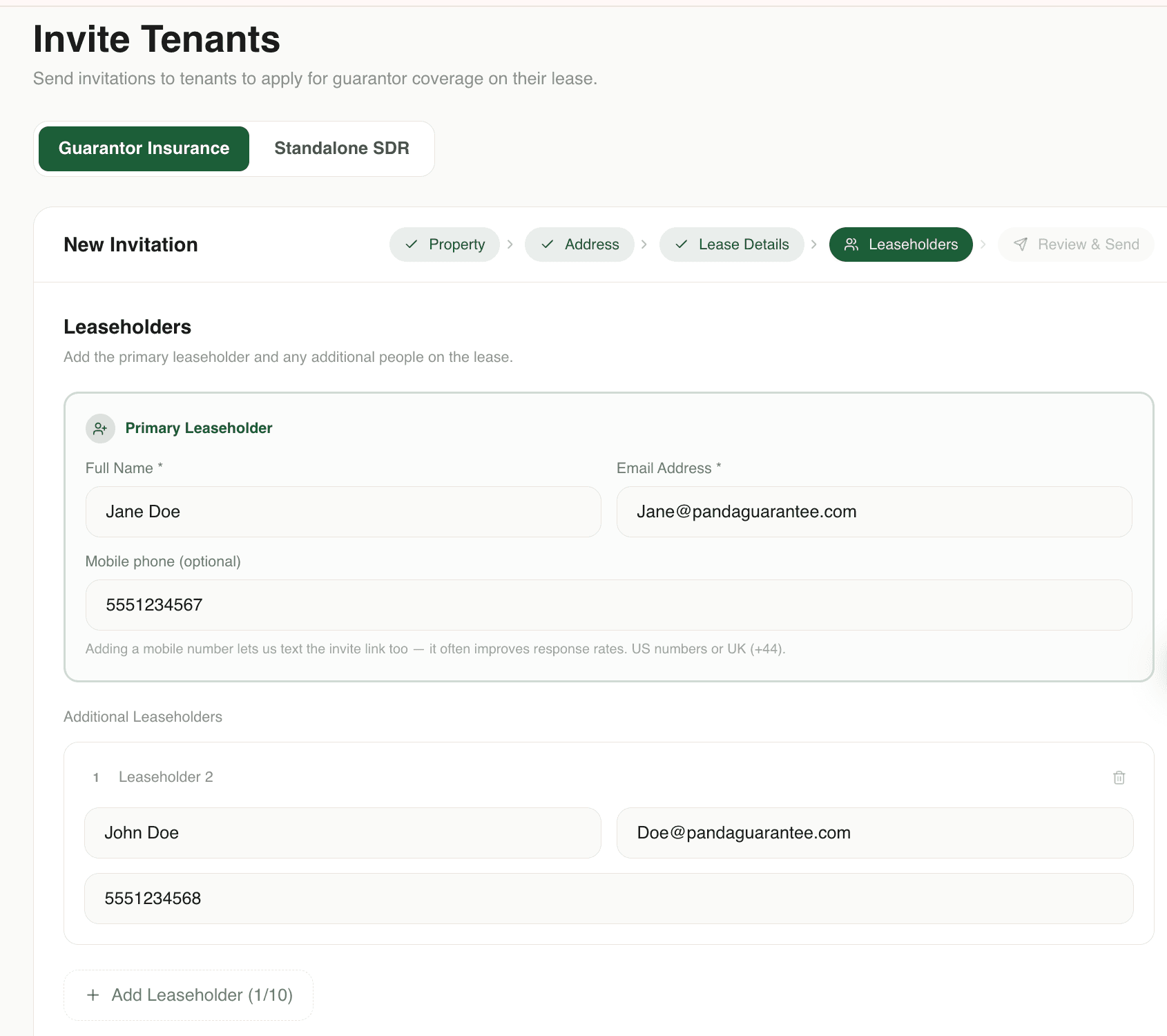
4. Add leaseholder details
Enter the primary leaseholder’s information and add any additional leaseholders included on the lease.
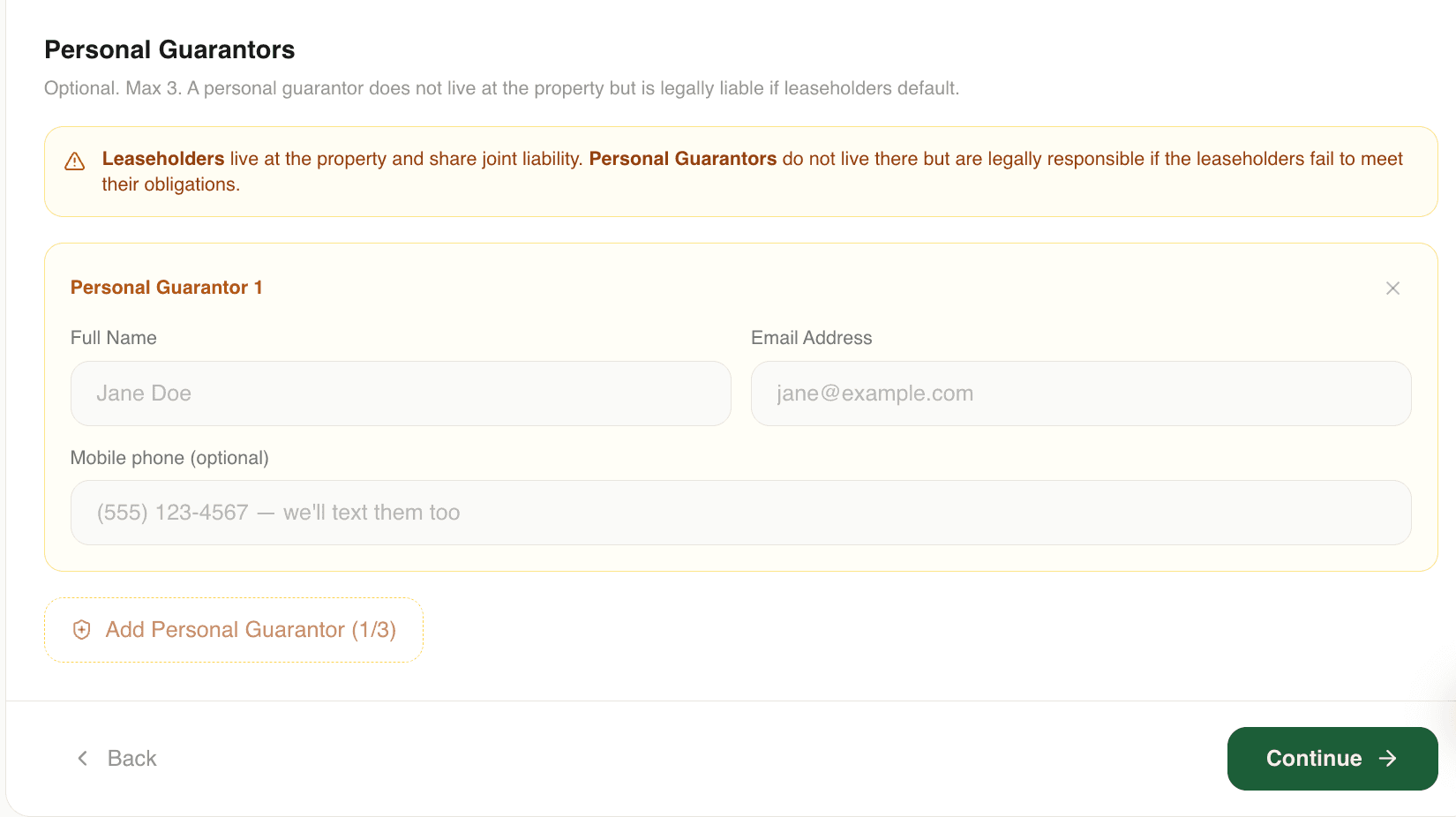
5. Fill in personal guarantor details (Optional)
If the tenant has a personal guarantor, enter the guarantor’s information. Skip this step if no guarantor is required.
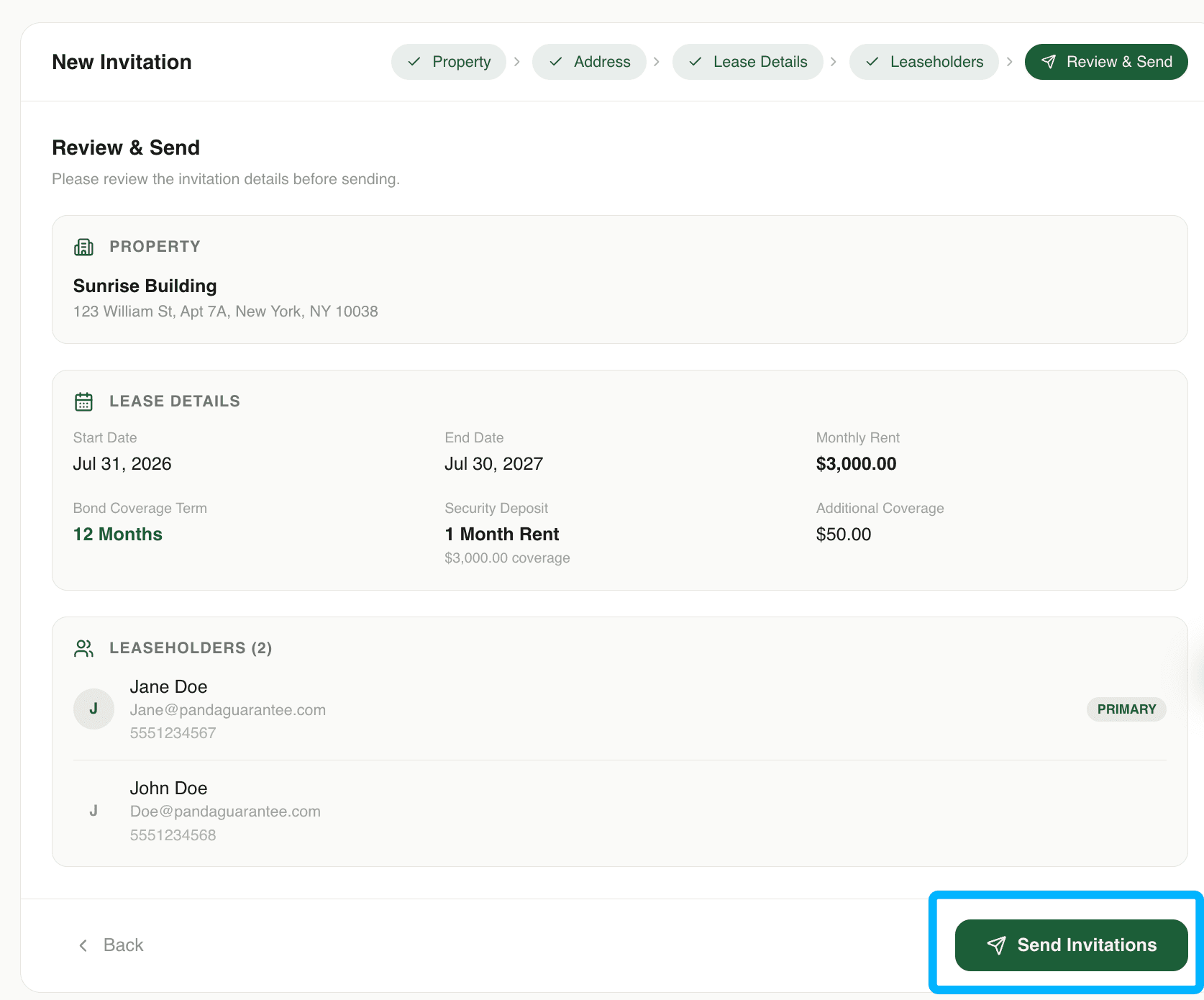
6. Review the application and Click "Send application"
Review all information to make sure it is accurate, then click Send Application. The tenant will receive an email or text message with a link to complete their PandaGuarantee application.
Didn't find what you needed?
Ask our team