
Manage a Tenant Invitation
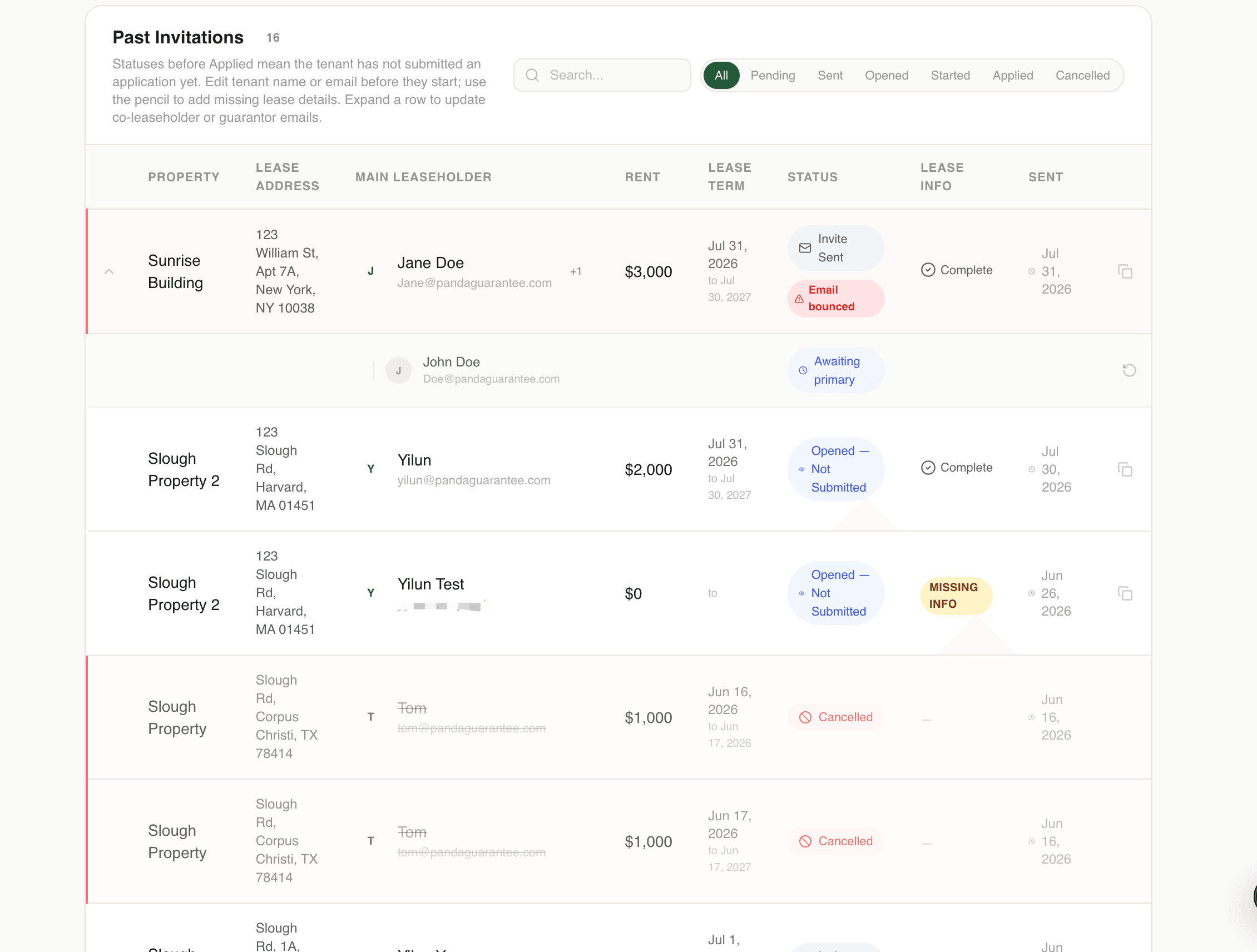
You can manage your past invitations under the Invite Tenants section by scrolling down to the "Past Invitations". After an invitation is sent, you can still manage it before the tenant…
On this page
You can manage your past invitations under the Invite Tenants section by scrolling down to the "Past Invitations". After an invitation is sent, you can still manage it before the tenant starts the application. You can copy the invite link, edit the invitation, resend it, or cancel it.
Check Past Invitations
You can view all tenant invitations you’ve sent and track their current status.
- Invite Sent — The invitation was sent, but the tenant has not opened it yet.
- Opened – Not Submitted — The tenant opened the invitation but has not completed and submitted the application.
- Awaiting Primary — For co-applicants, the primary applicant must start the application first. The co-applicant will then be notified to complete their portion.
- Email Bounced — The email address could not be delivered. Please edit the invitation and update the email address.
- Applied — The tenant has submitted the application. You can view it under Applications.
- Cancelled - The invitation has been cancelled and can no longer be used.
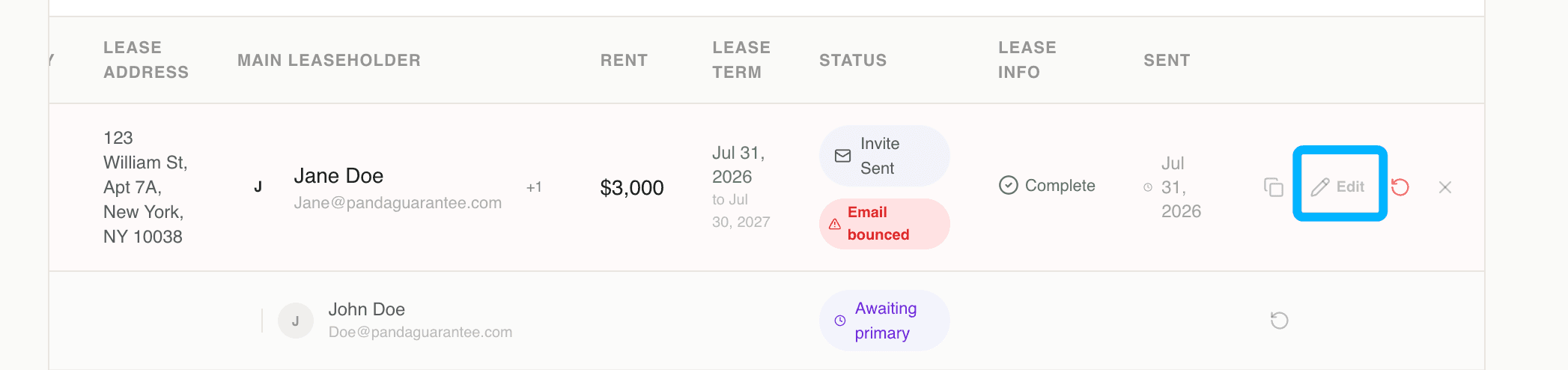
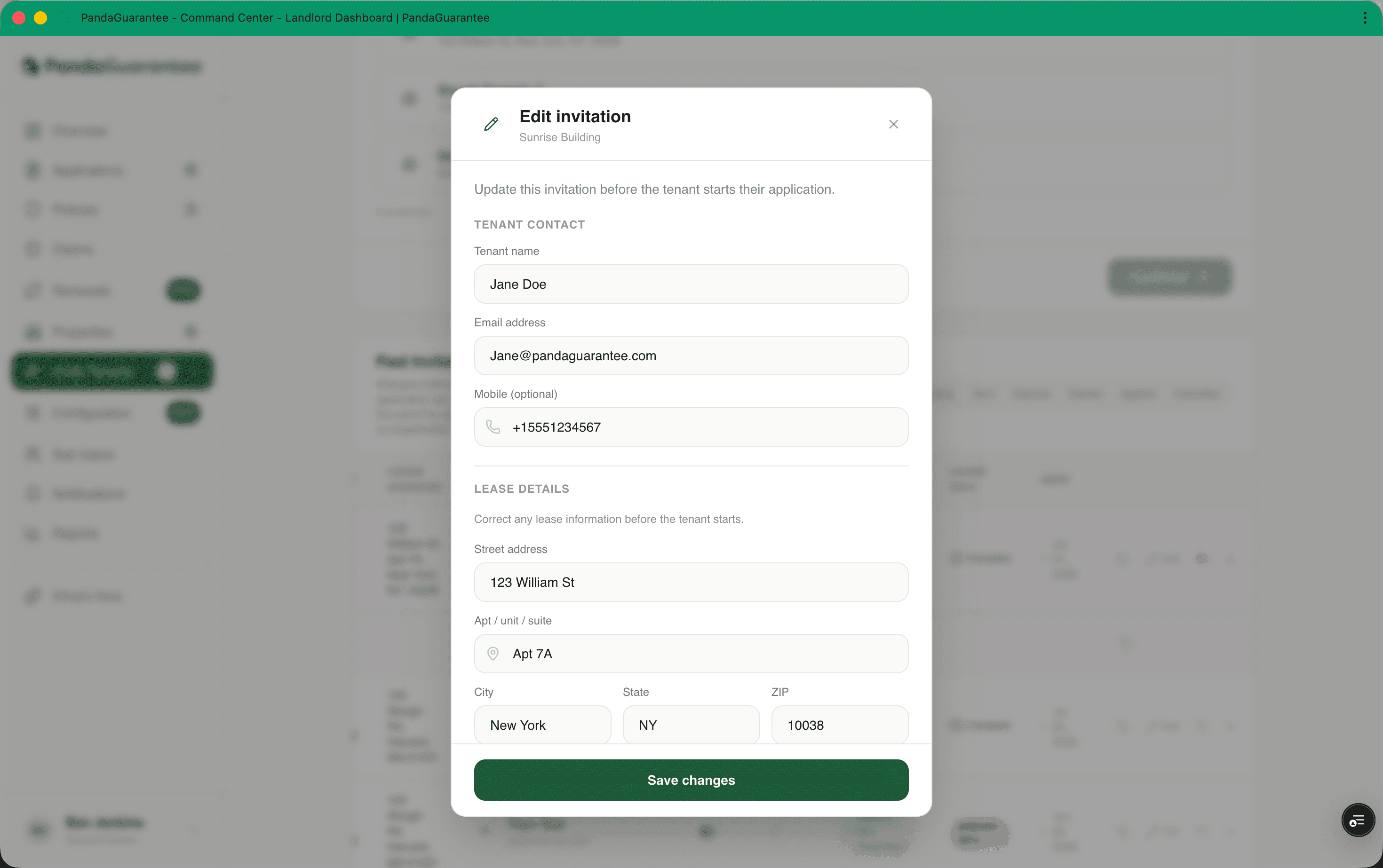
Edit Tenant Invitation
You can edit and resend a tenant invitation as long as the tenant has not started the application. If the application has already been started or submitted, please email support@pandaguarantee.com with the application number and updated lease terms.
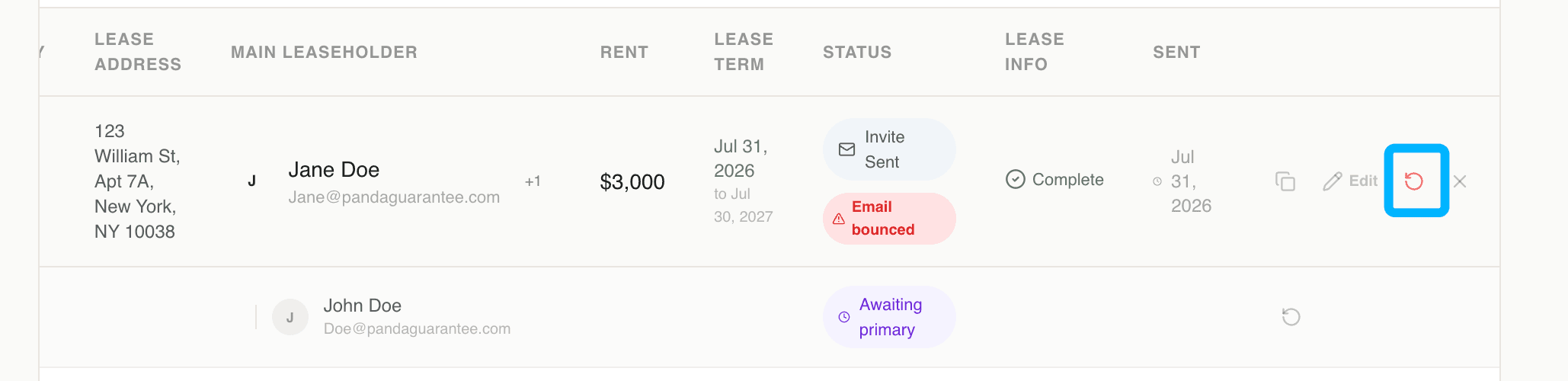
Resend Tenant Invitation
You can resend the invitation email to the tenant if they have not yet started the application.
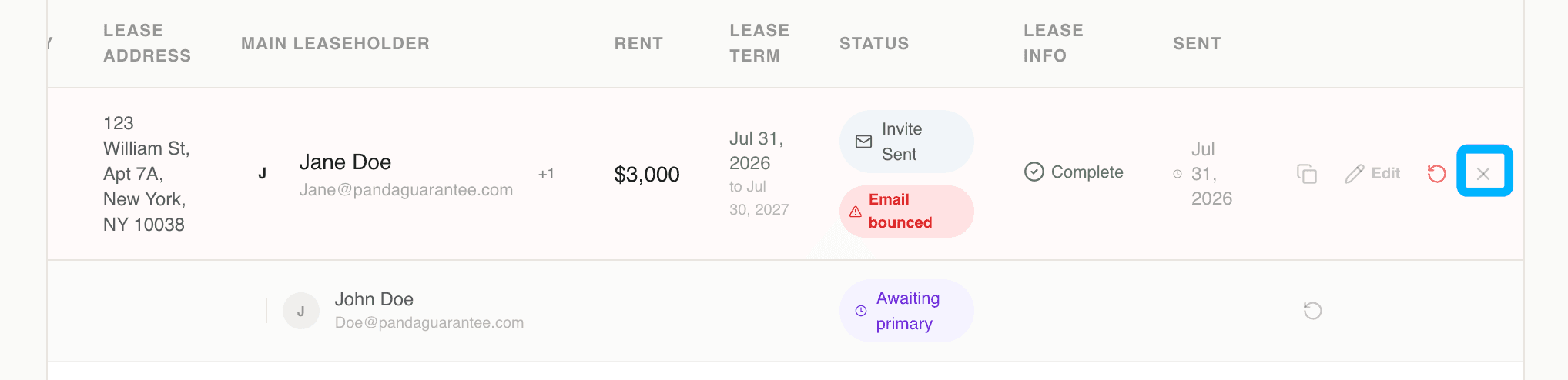
Cancel Tenant invitation
You can cancel the invitation if it is no longer needed. Once cancelled, the invitation link will no longer be valid.
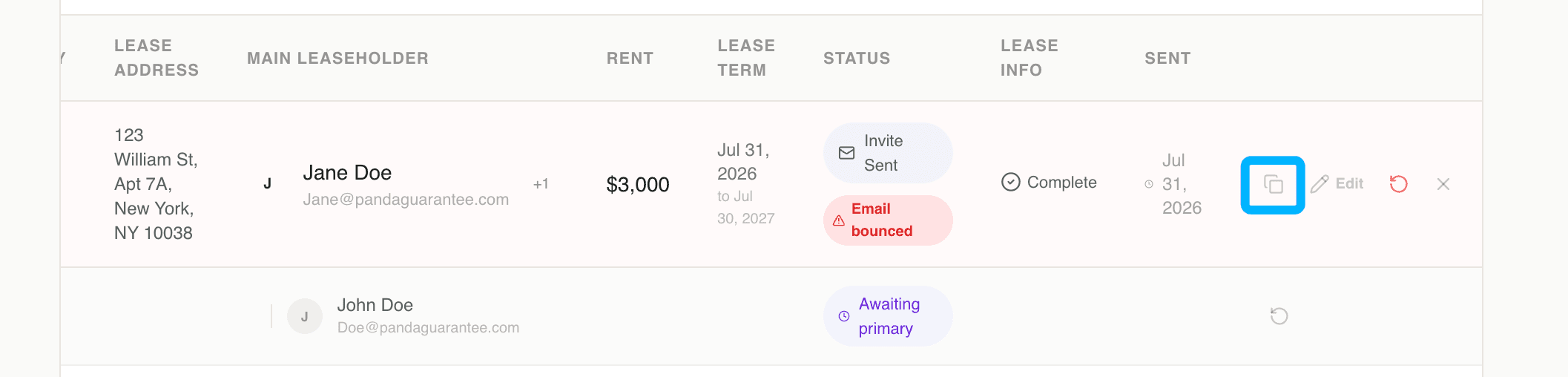
Copy Tenant invitation link
You can copy the tenant invitation link and share it directly with the tenant.
Didn't find what you needed?
Ask our team