
How to view or download an issued bond
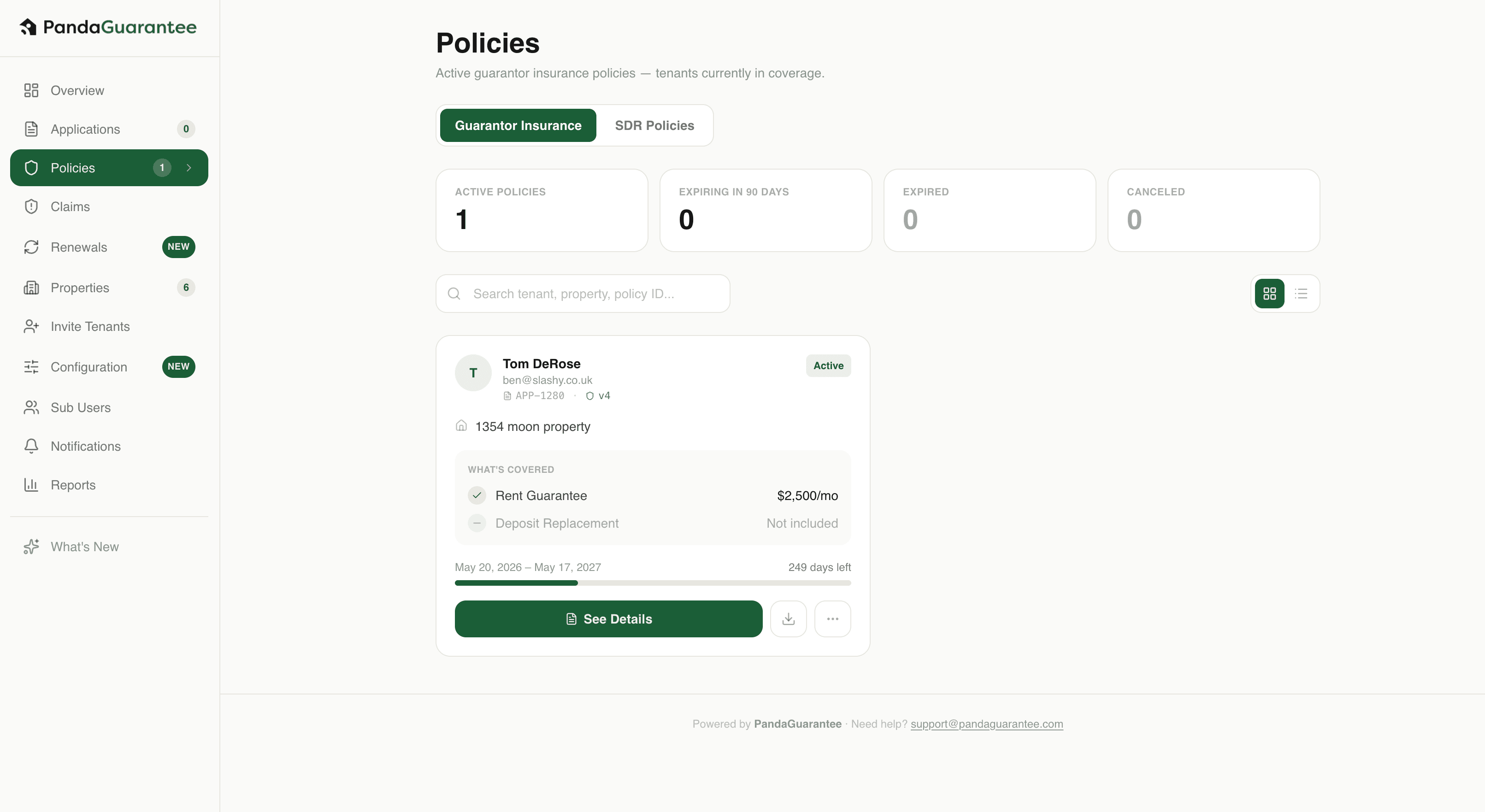
1. Go to the Policies section Open your Landlord Dashboard and select Policies to view all of your issued policies.
1 min readUpdated September 10, 2026
- 1Go to the Policies section
Open your Landlord Dashboard and select Policies to view all of your issued policies. - 2Find the policy
Browse the policy list or use the search bar to find the policy you would like to view. - 3Download the bond
Click Download to view or save a copy of the issued bond.
Didn't find what you needed?
Ask our team