
How to Offer Renters Insurance
PandaRenters is our renters insurance for tenants: contents and liability cover, in place before move-in, with you added as an interested party so you get proof of coverage directly. The…
PandaRenters is our renters insurance for tenants: contents and liability cover, in place before move-in, with you added as an interested party so you get proof of coverage directly. The tenant pays for it.
Note
PandaRenters is available at New York properties only for now.
Offer it with an invite
In Invite Tenant, tick PandaRenters — on its own, or with PandaGuarantee or PandaDeposit.
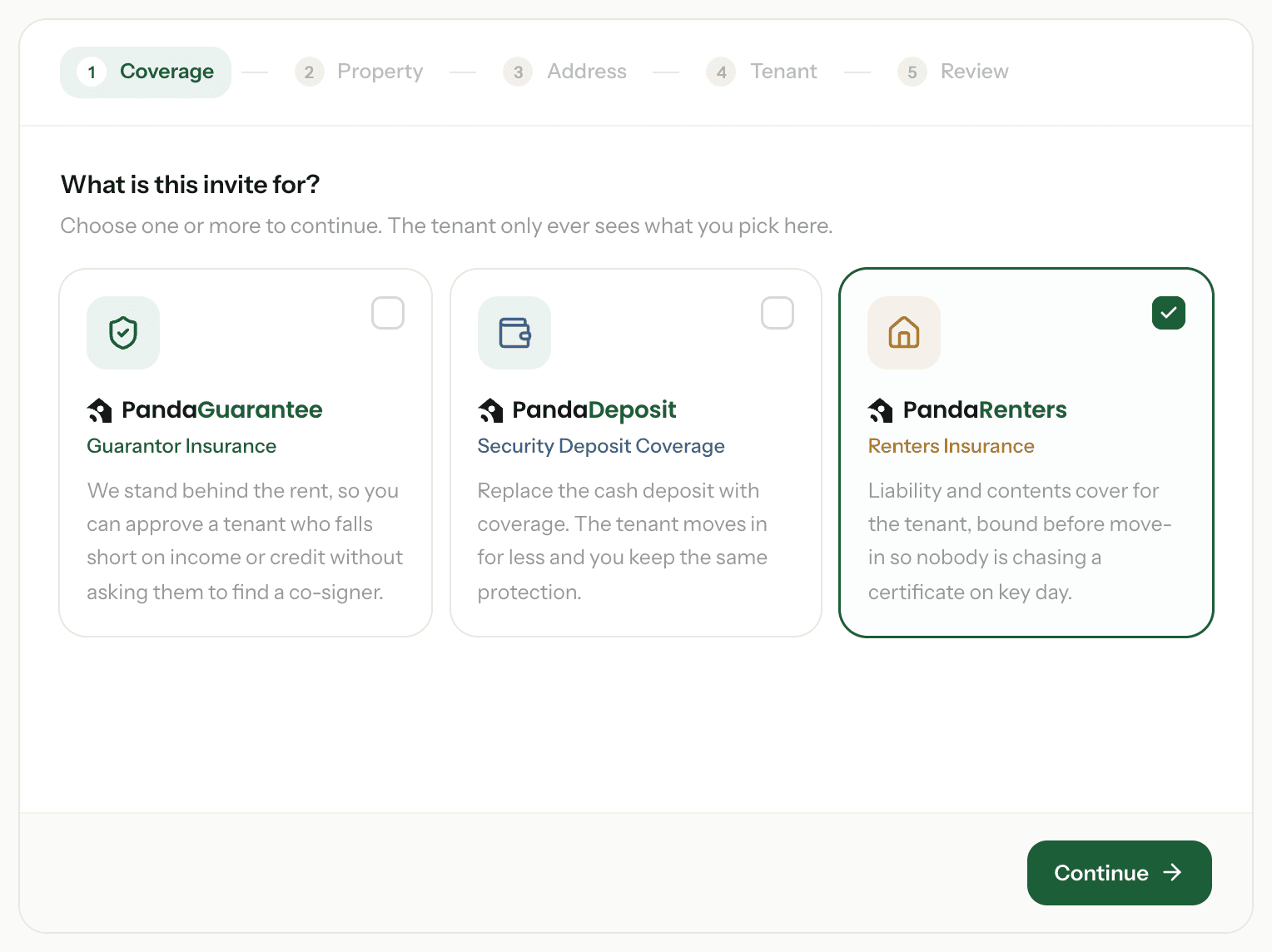
- On its own, we just need the tenant's move-in date.
- With PandaGuarantee or PandaDeposit, it goes in the same invite — one email, not two — and the tenant is offered PandaRenters once they've paid for the other product.
- If the property isn't in New York, the invite asks you to untick it.
Offer it on your tenant invite page
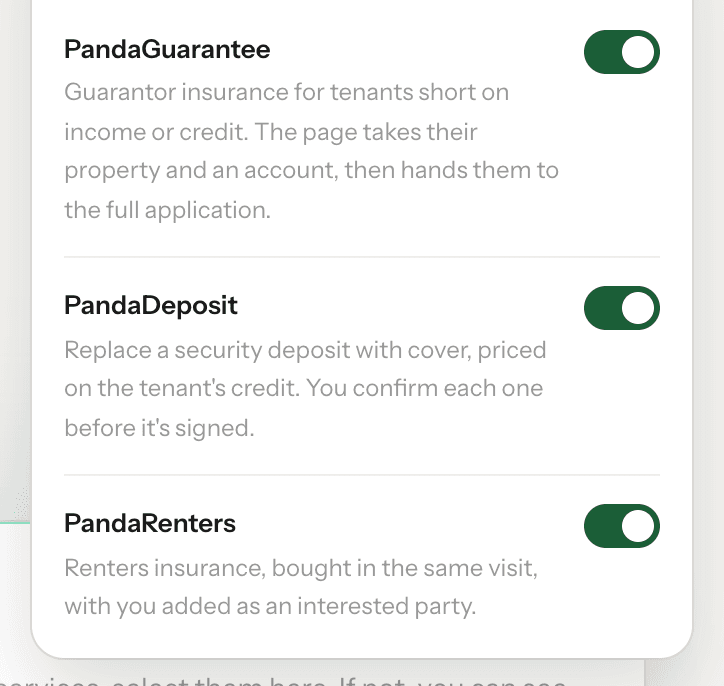
Go to Settings → Tenant invite page → Products and switch PandaRenters on. Tenants who apply through your link can buy it in the same visit. It's only shown for your New York properties.
Using Rent Manager? You can include PandaRenters in the invites sent from Rent Manager too — see How to connect Rent Manager.
Seeing who's covered
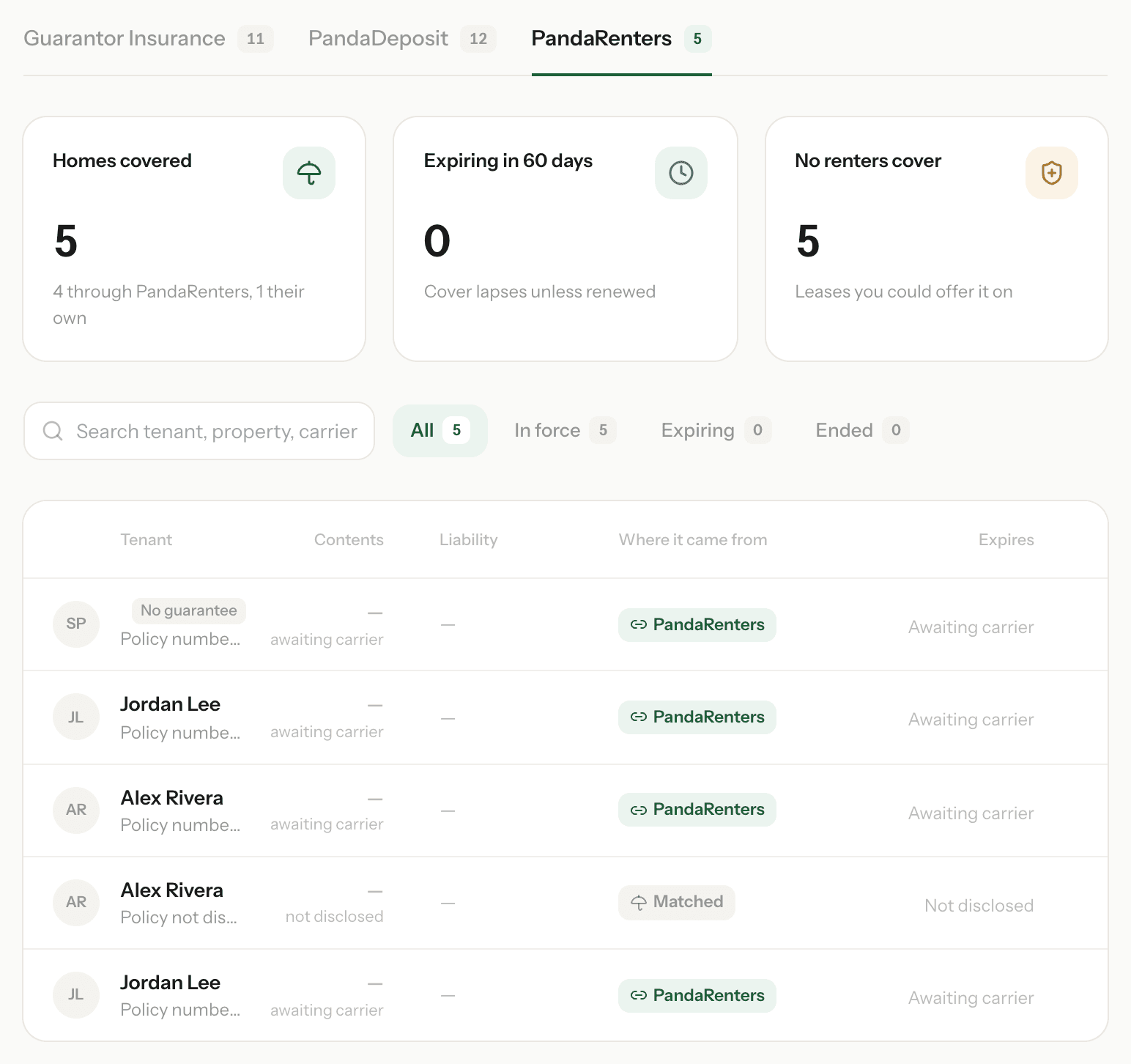
Go to Policies → PandaRenters. Where it came from shows how each tenant is covered:
- PandaRenters — bought through us.
- Own policy — the tenant already had cover and sent proof.
- Matched — the insurer matched a policy the tenant already had. Its terms aren't shared.
Awaiting carrier means the policy has been bought and we're waiting for the insurer's details. No renters cover counts the leases you could still offer it on.
Need a hand? Email support@pandaguarantee.com or call 332-290-1800 ext. 2.
Didn't find what you needed?
Ask our team