
How to Renew a Tenant's Policy
When a lease covered by PandaGuarantee has 100 days or less to go, we ask whether it's renewing. Say yes and we renew the tenant's guarantee before the lease ends. Say no and coverage ends…
On this page
When a lease covered by PandaGuarantee has 100 days or less to go, we ask whether it's renewing. Say yes and we renew the tenant's guarantee before the lease ends. Say no and coverage ends with the lease.
Note
This is for tenants already covered by PandaGuarantee. For a tenant covered by another company, see Renewing a Policy From Another Company.
Where we ask you
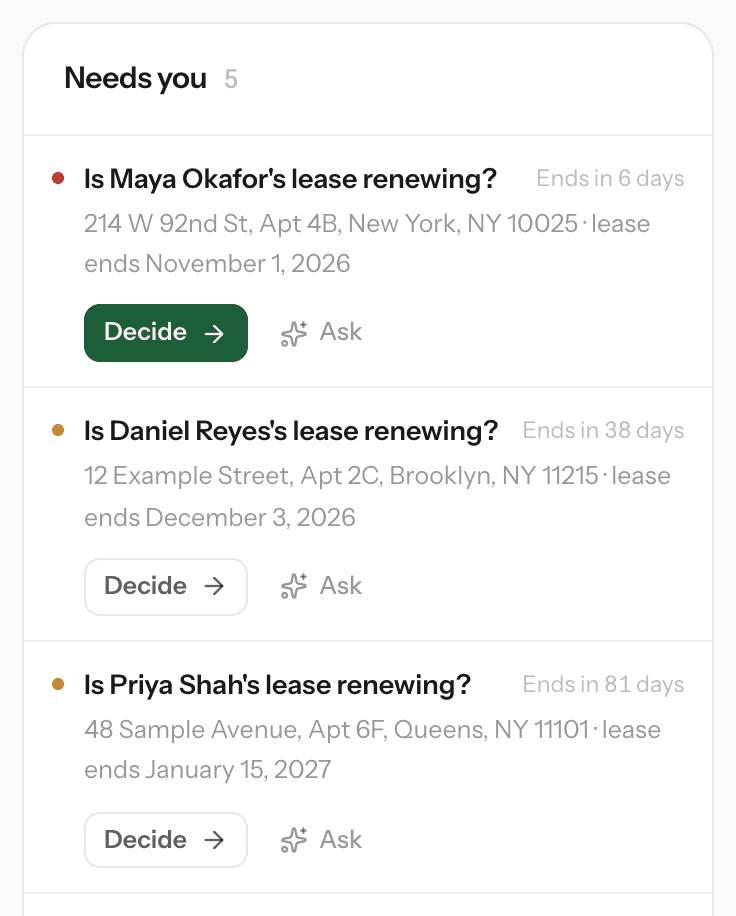
- Dashboard → Needs you: "Is [tenant]'s lease renewing?" with a Decide button.
- Policies: leases waiting for an answer are pinned to the top with a Renew? button.
- Email: a round-up when leases are 100, 60, 30 and 7 days from ending, and the day before. It stops once you answer.
Renewing a lease
Click Decide (or Renew?), check the current lease and click Yes, renew.
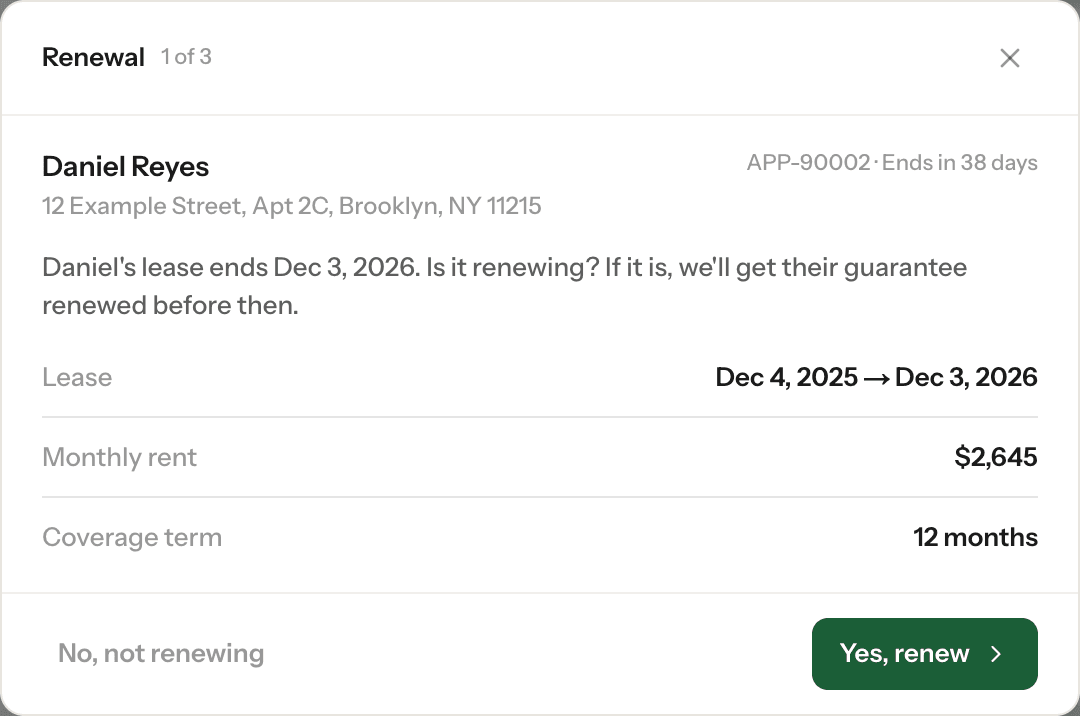
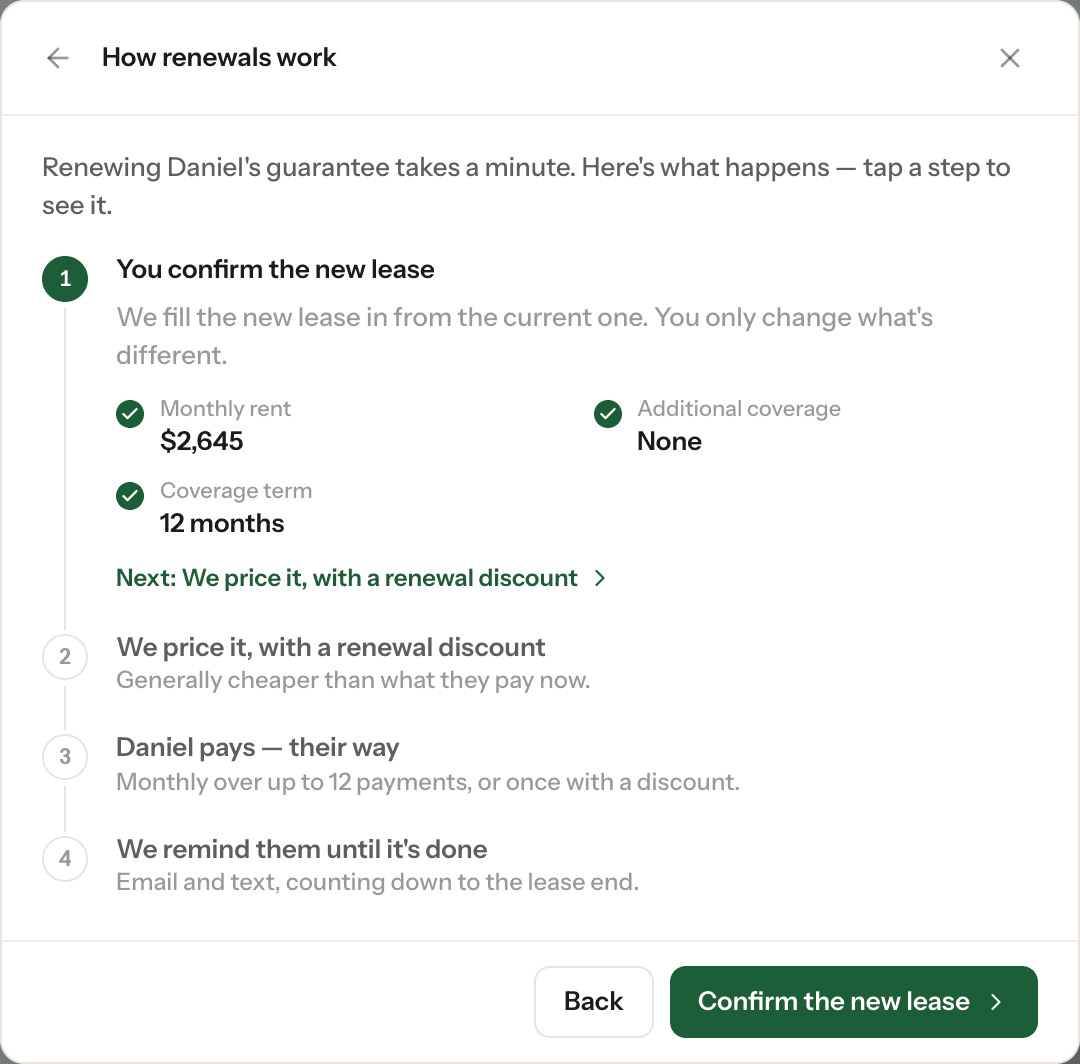
We show you how renewals work. Click Confirm the new lease.
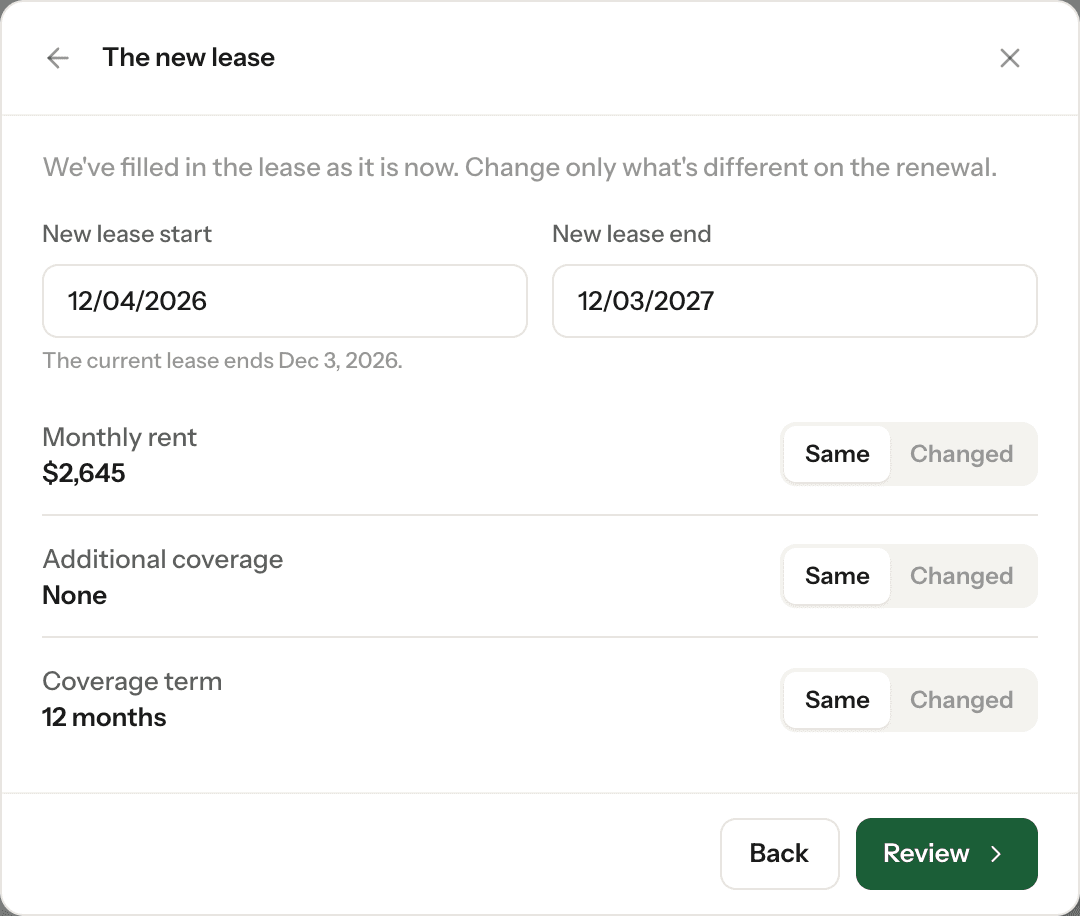
We fill the new lease in from the current one. Check the dates and mark anything that's Changed — monthly rent, additional coverage or coverage term. PandaDeposit carries over as it is. Click Review, check it against the renewed lease, then click Yes, it's all correct.
What happens next
- We price the renewal, with a renewal discount, and send it to your tenant by email and text.
- Your tenant pays monthly, in up to 12 equal payments, or pays in full and saves.
- We remind them by email and text, counting down to the end of their current guarantee.
- Once they've paid and signed, the new policy is issued. It shows on Policies with a Renewal tag.
Renewal statuses
- Renew? — waiting for your answer.
- Pricing renewal — we're preparing the price. Your tenant hears from us as soon as it's ready.
- In review — our team is checking the renewal before it goes to your tenant.
- Waiting on tenant — sent to your tenant; we're reminding them until they pay.
- Renewed — paid. The new policy is issued once their agreement is signed.
- Not renewing — coverage ends with the lease.
- Renewal not approved — we couldn't renew it. Our team will be in touch.
If the lease isn't renewing
Click No, not renewing, then Confirm, not renewing. Coverage ends with the lease. Changed your mind? Click Undo, or It's renewing after all on the policy. Once you've said yes and the renewal has gone to your tenant, contact us to stop it.
If you don't answer
Nothing renews automatically. You can answer any time in the 100 days before the lease ends. After that, send a new invite with This is a renewal ticked.
Need a hand? Email support@pandaguarantee.com or call 332-290-1800 ext. 2.
Didn't find what you needed?
Ask our team